
img2retro blog
Pictures in, games out
How a picture and a few words become a game you can play and share: honest comparisons, real sessions with the screenshots, and step-by-step guides.
Also in: Español · Deutsch · Français · Português · Italiano · Nederlands · Svenska · Norsk · Bahasa Indonesia · Türkçe · Polski · Tiếng Việt · Русский · 日本語 · 한국어 · 繁體中文
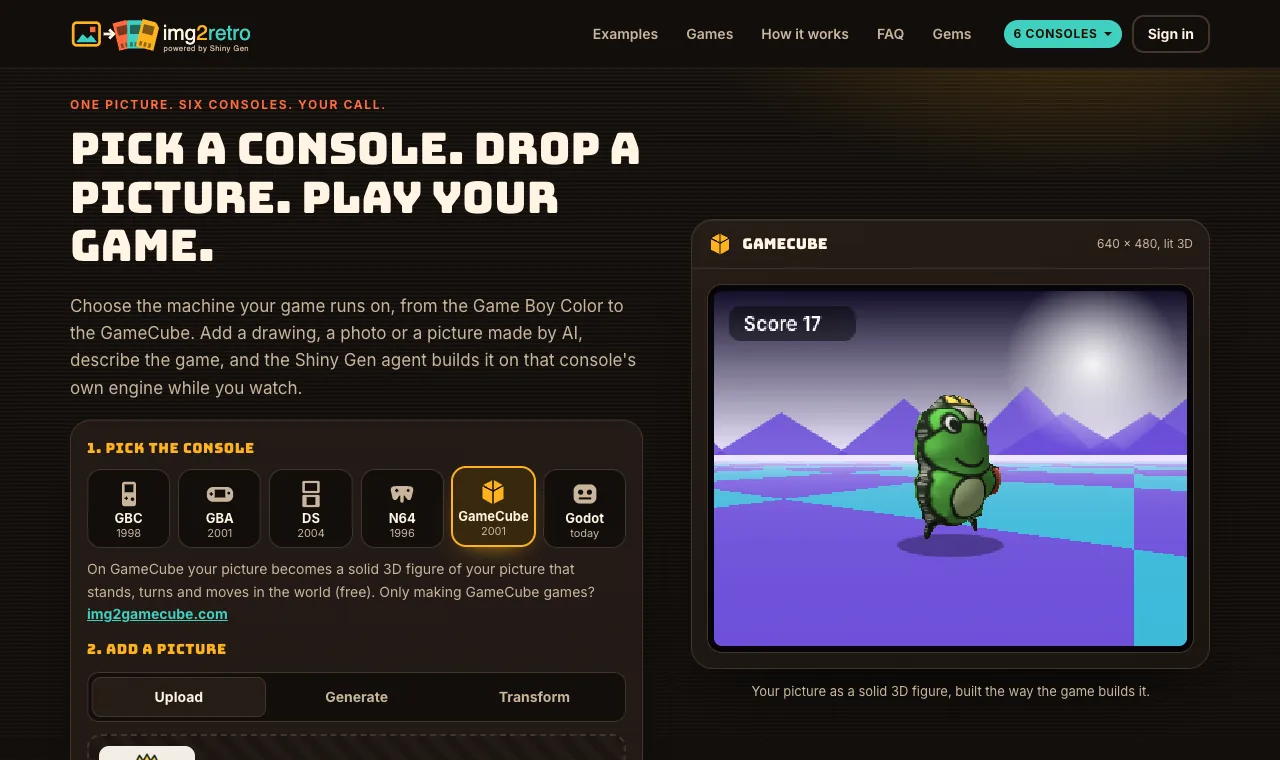 How it worksHow to turn a picture into a retro game: GBC, GBA, DS, N64 or GameCubeOn img2retro you pick a console, add a picture and say what the game is; an AI agent then builds the game on that console's own engine, usually in a few minutes. The same picture becomes a crisp sprite on the handhelds, a two-screen game on the DS and a solid 3D figure on the N64 and GameCube. · 6 min read
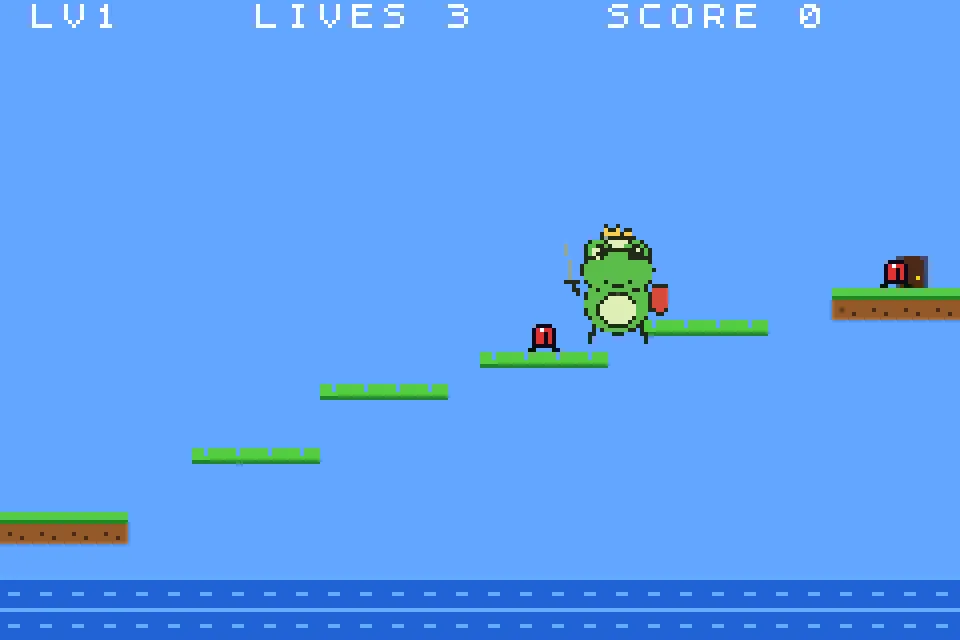
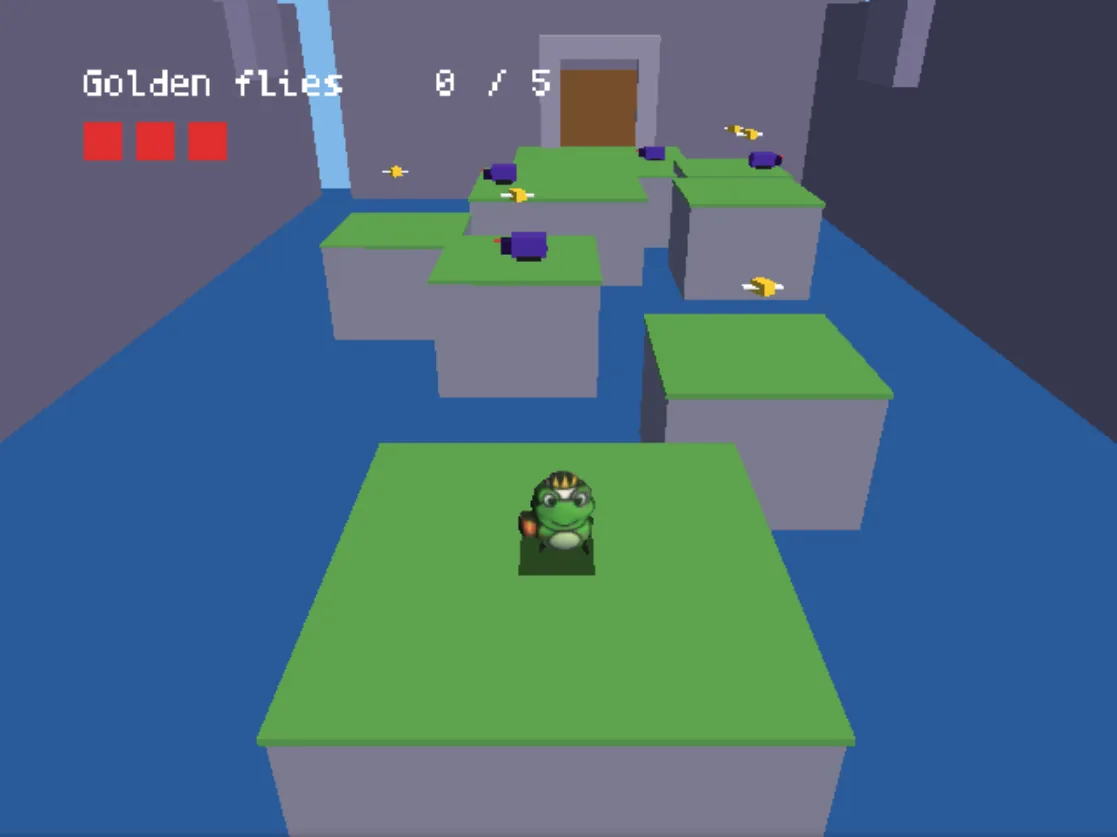 Picture in, game outOne frog drawing, two consoles: the same picture as a GBA platformer and a GameCube 3D gameWe gave img2retro one cartoon drawing of a frog knight twice. On the Game Boy Advance the AI agent made it a crisp 32 x 32 sprite in a three-level platformer; on the GameCube it became a lit 3D figure hopping across a castle courtyard. Each took under 5 minutes and 10 gems. Here are both sessions, step by step. · 6 min read
 ComparisonGB Studio or img2retro: which retro game maker fits you?GB Studio is a free, open source, drag-and-drop editor for Game Boy and Game Boy Color games that you build scene by scene. img2retro starts from a picture and a prompt, and an AI agent builds the game for the console you pick, from the Game Boy Color to the GameCube. One is a craft tool, the other is a fast start. · 6 min read
Have a picture? Make your own game from it.
Build my game