Comparison
GB Studio or img2retro: which retro game maker fits you?
If you want to make a retro game, GB Studio is the name you will hear first, and for good reason: it is free, open source, and has made Game Boy development possible for people who never wrote a line of code. img2retro comes at the same wish from the other end. You bring a picture, pick a console, describe the game in a sentence or two, and an AI agent builds it while you watch. GB Studio is a workshop where you make every piece yourself; img2retro is a fast way from an idea and a drawing to something you can play and share.
Also in: Español · Deutsch · Français · Português · Italiano · Nederlands · Svenska · Norsk · Bahasa Indonesia · Türkçe · Polski · Tiếng Việt · Русский · 日本語 · 한국어 · 繁體中文
Everything below about GB Studio comes from its own website, documentation, itch.io page and source repository.
At a glance
| GB Studio | img2retro | |
|---|---|---|
| How you make the game | Drag and drop: scenes, actors, visual events | A picture plus a prompt; an AI agent writes the code |
| Consoles | Game Boy and Game Boy Color (and Analogue Pocket) | Game Boy Color, GBA, DS, N64, GameCube, and Godot |
| Runs on | Windows, macOS, Linux (desktop app) | Any modern browser, plus the Shiny Gen apps |
| Output | ROM files, a web build, a Pocket file | A game you play and share by link; ROM download after any one purchase |
| Price | Free, name your own price | Free to start; gem packs from $2.99 |
| License | MIT, open source | Your games are yours |
What GB Studio is
GB Studio calls itself "a quick and easy to use drag and drop retro game creator for your favourite handheld video game system." It is a desktop app for Windows, Mac and Linux, made by Chris Maltby and released under the MIT license. On itch.io it is free with a "name your own price" option; the current release when we checked was 4.3.2, from June 2026.
You build a game out of scenes and actors and give them behavior with a visual scripting system, with "no programming knowledge" required. Scenes have built-in types such as Top Down 2D and Platformer. The settings offer three color modes: Monochrome for every Game Boy, Color + Monochrome, and Color Only, which gives a scene more tiles on the Game Boy Color and the Analogue Pocket. It can also set a Super Game Boy border and palette.
It creates real ROM files that run in emulators and on real Game Boy hardware, can also make a web build with mobile controls that you can upload to itch.io, and its command line tool can make a Pocket file. The 4.3 releases added a music editor with MIDI input and Web Templates for the web build. For advanced users it opens up the engine's virtual machine and lets plugins modify the engine's C and SM83 assembly code. It has a built-in debugger for when your game grows.
What GB Studio does well. It is a real craft tool. You decide every tile, every line of dialogue and every event, and you see why your game behaves the way it does. It is free and open source, and its ROMs run on real hardware. If you want to make a Game Boy game with your own hands, it is the best-known place to start.
Where it stops. It makes Game Boy and Game Boy Color games, not GBA, DS or 3D consoles. And it is a tool, not a collaborator: every sprite has to be drawn to the Game Boy's limits and every scene built by you, which is the point, but also takes time.
What img2retro is
img2retro is a Shiny Gen site for every console at once. The start card has three steps: pick the console, add a picture, say what the game is.
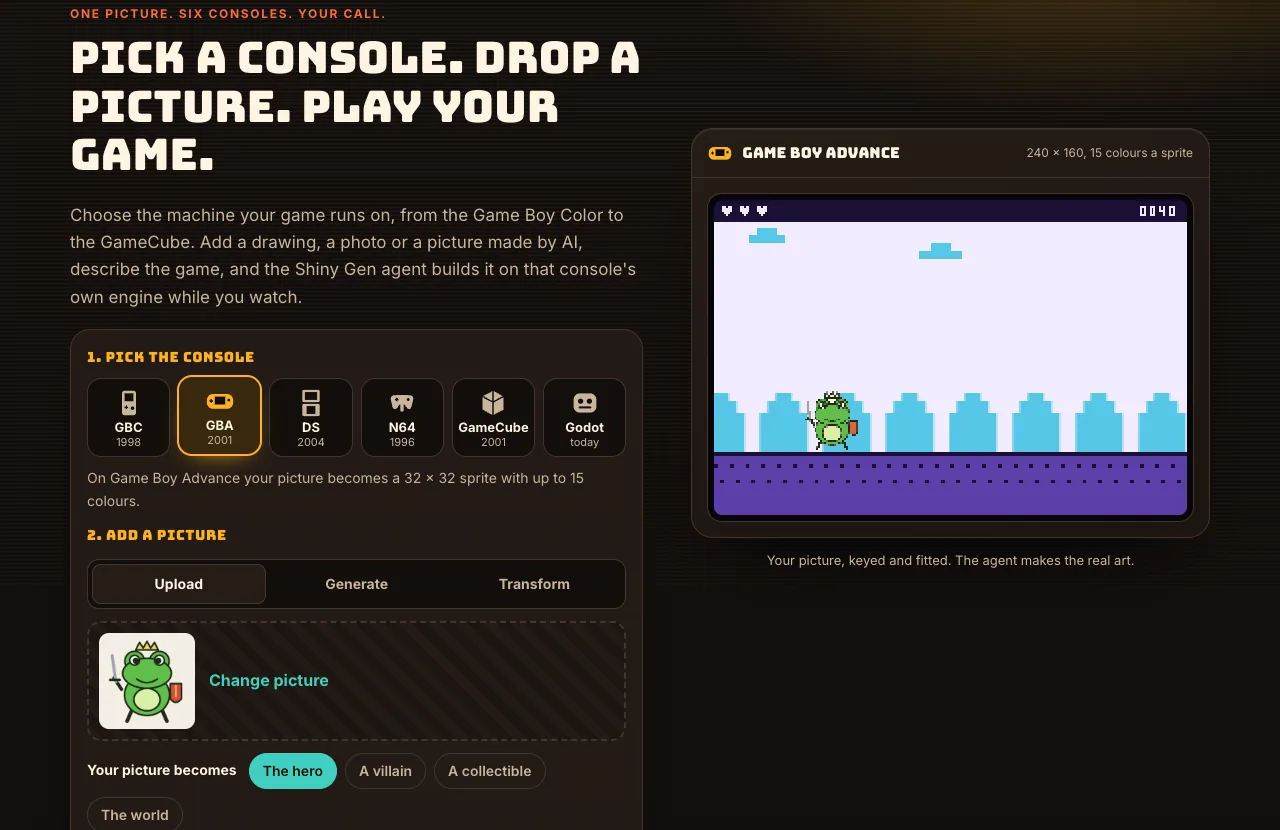
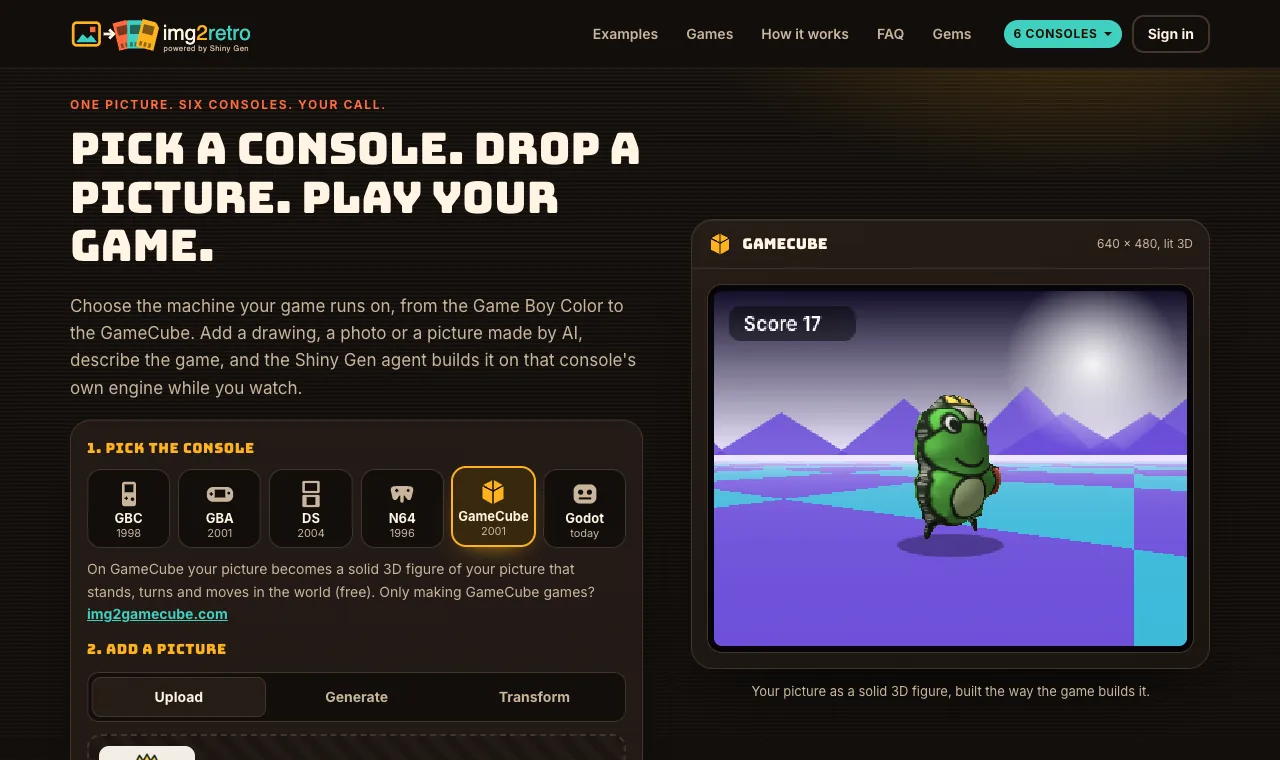
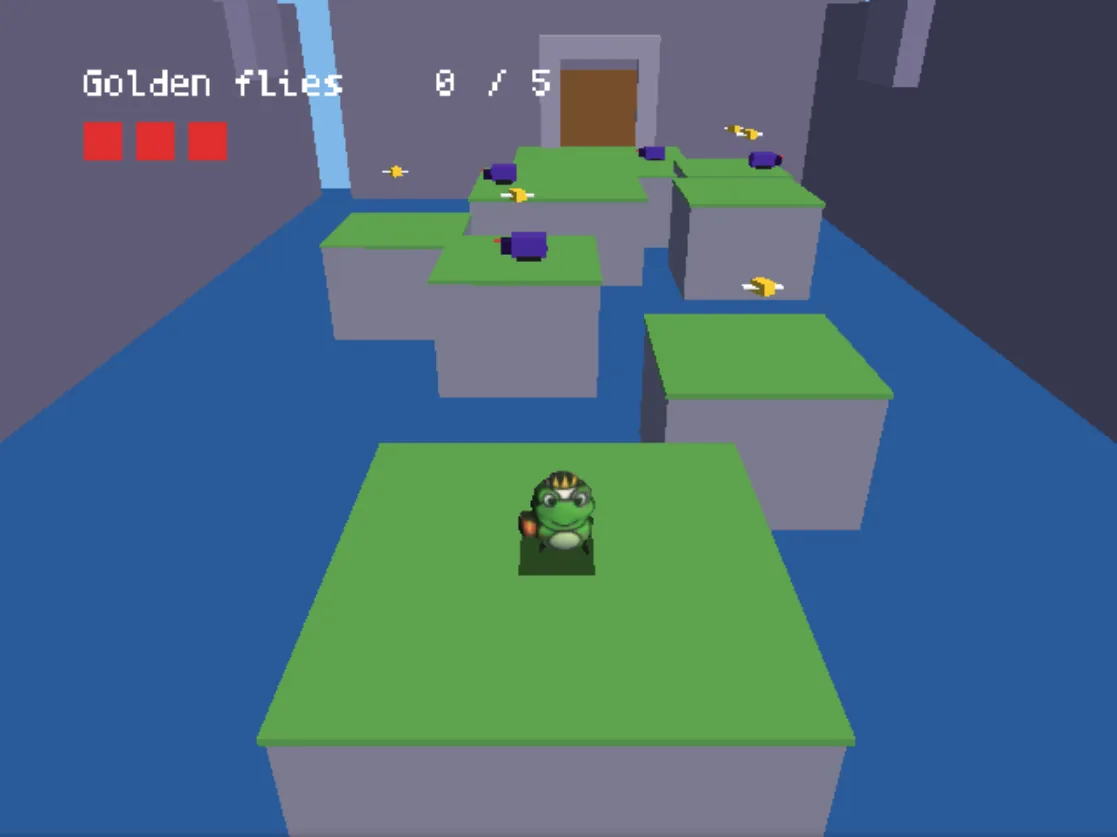
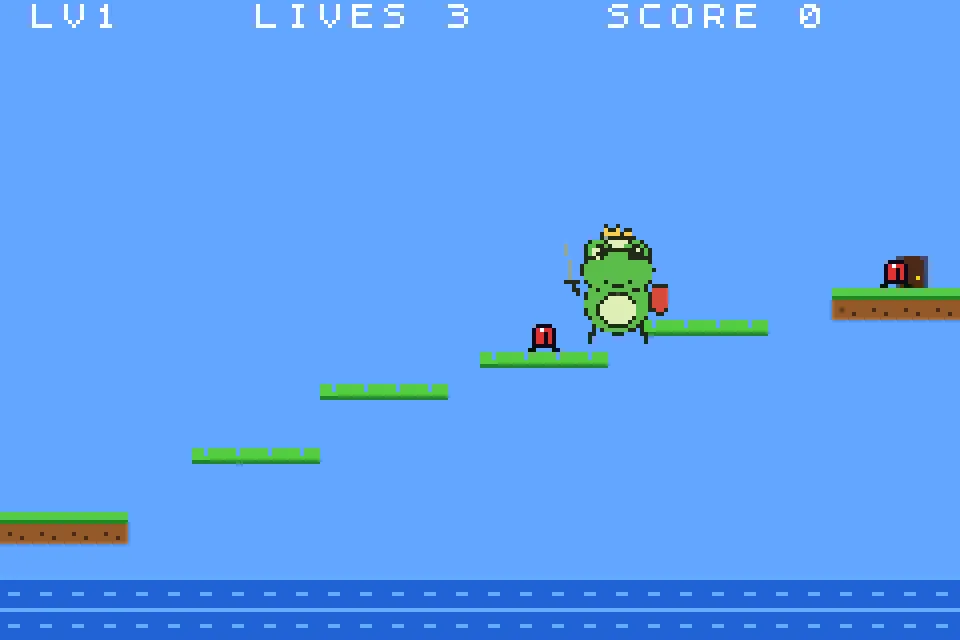
The picture can be your own upload, one made from a few words with our built-in image models, or a photo transformed into a new style. You choose what it becomes: the hero, a villain, a collectible or the world. On the Game Boy Color it becomes a 16 x 16 sprite with four colors; on the GBA a 32 x 32 sprite with up to 15; on the DS it can stand in a 3D scene with a touch screen below; on the N64 and GameCube it becomes a solid 3D figure, free and in about a second; on Godot it keeps full quality.
Then the Shiny Gen agent writes the game for that console's own engine, built to the machine's screen, colors, sprites and memory. It builds, plays the build, fixes what breaks and hands you a game to play in the browser and share by link. You keep changing it by chat, or open the code yourself. Any one purchase, from $2.99, unlocks the ROM download (.gbc, .gba, .nds, .z64 or .dol), and GBA and GBC ROMs made this way have been played on real consoles through a flash cart.
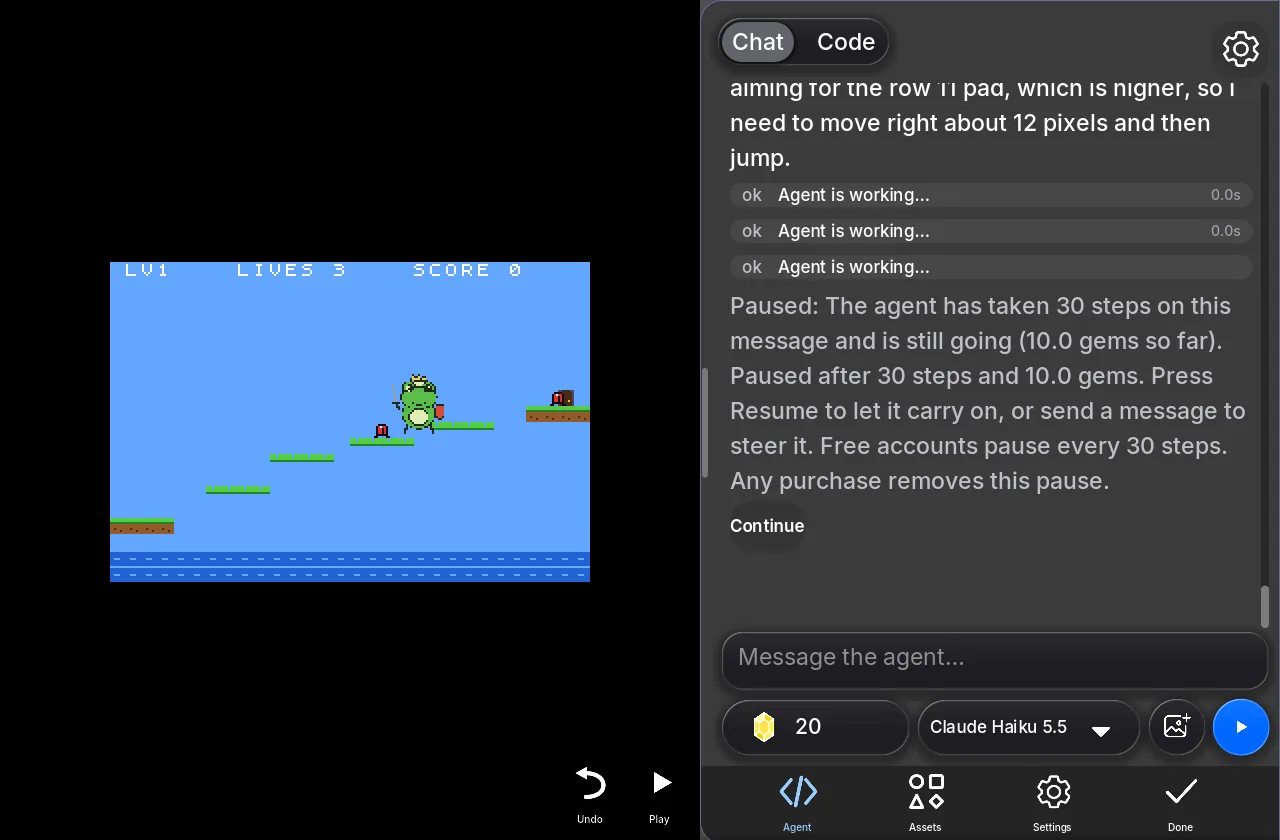
What img2retro does well. It is fast and it starts from your own picture. In our test sessions a first game took about 2 to 6 minutes and about ten gems, with nothing to install. It also reaches consoles GB Studio does not: the GBA, the DS's two screens, and 3D on the N64 and GameCube.
Where it stops. You direct the game rather than build it, so the agent makes choices you might not have made, and you steer by asking. Small consoles are hard on pictures: on the Game Boy Color a busy picture loses detail at 16 x 16 and four colors, and the GBC is the hardest console for a picture to survive. ROMs for the DS, N64 and GameCube are tested in emulators, not yet on real hardware. And beyond the free gems, the agent's work costs gems, where GB Studio costs only your time.
Which one should you use?
- You want to learn how a Game Boy game is made and build one by hand: GB Studio. Nothing else gives you that much control with that little code.
- You have a picture and want to play a game made from it today, on a console you choose: img2retro.
- You want to try an idea before you commit to it: start it on img2retro, play it, and if it is fun, build the version you want to polish in GB Studio. The two work well together.
For the img2retro route step by step, see How to turn a picture into a retro game, and for one drawing taken to two consoles, one frog drawing, two consoles.
If you want a Game Boy Color game made with AI specifically, the Shiny Gen blog has a step-by-step guide, How to make a Game Boy Color game with AI.
FAQ
Is GB Studio free?
Yes. It is open source under the MIT license, and its itch.io page lets you name your own price, including nothing.
Can GB Studio make GBA or 3D games?
No. GB Studio makes Game Boy and Game Boy Color games (and runs them on the Analogue Pocket). img2retro covers the Game Boy Color, GBA, DS, N64 and GameCube, plus Godot.
Do I need to code for either?
No. GB Studio uses drag-and-drop visual events, with plugins for people who want to go deeper. On img2retro you describe the game in words and the AI agent writes the code, which you can read and edit if you want to.
Can I play the result on a real console?
GB Studio ROMs run on real Game Boy hardware. On img2retro, GBA and GBC ROMs have been played on real consoles through a flash cart; DS, N64 and GameCube files are tested in emulators. The ROM download needs any one purchase, from $2.99.
Can I use my own art?
Yes, in both. GB Studio imports images you have drawn to the Game Boy's limits. img2retro takes any picture and fits it to the console you pick, keying out a plain background in the browser first.
What does img2retro cost?
Starting, playing and sharing are free, and new accounts get free gems and free agent turns. After that the agent and the image models use gems; packs start at $2.99 and never expire. A first game on any console usually takes about ten gems. See the Gems page.
Further reading
Last updated: November 17, 2026